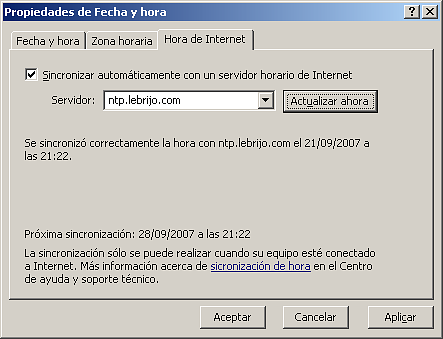
Network Time Protocol, is a protocol to synchronize the time clocks of every operating system over TCP(UDP)/IP. Here I am going to explain shortly how it is installed in a server and clients, over Debian Etch operating system.
installation:
elite:~# apt-get install ntp ntpdate ntp-server ntp-simple
Leyendo lista de paquetes... Hecho
Creando árbol de dependencias... Hecho
Paquetes sugeridos:
  ntp-doc
Se instalarán los siguientes paquetes NUEVOS:
  ntp ntp-server ntp-simple ntpdate
0 actualizados, 4 se instalarán, 0 para eliminar y 3 no actualizados.
Necesito descargar 449kB de archivos.
Se utilizarán 1098kB de espacio de disco adicional después de desempaquetar.
Let modyfy following aspects in config file, /etc/ntp.conf:
Uncomment the line: logfile /var/log/ntpd. If we want to log the service.
Add root our root server. It is optional, the pool configured is totally operative:
server chronos.bulma.net
server es.pool.ntp.org
server ntp.obspm.fr
server ntp.cs.strath.ac.uk
server europe.pool.ntp.org
server pool.ntp.org
We can manage the NTP daemon with the script: /etc/init.d/ntp restart
I want to warn you in follow three points, when you first getting up the service:
It takes log time to sinchronize (~30min in my server), during this time not runs.
If we want the service as server, it do not serve the time until its synchrnization.
Maybe we must open our firewall in 123 TCP/UDP port. Or making NAT in output server, it depends on our network configuration.
We can test it with the following tools:
ntpq –pn: Show what servers it synchronioze with.
ntptrace –n: Show which serves the time to our server, our server stratum etc.