Sep 20, 10 by Juan Lebrijo about SOA, weblogic, JDeveloper, blog
My desires when I study this technologies is improving the business proccess modeling, mixing in a clean way:
Human tasks --> (ADF Web apps design)
Web Services
Legacy technologies
Synchronize with business events
Define business rules
I think that controlling all this points, and with a good analysis system, you can get a great tool to manage the business information system, and so, managing good.
Today we will install all the platform to develop and deploy SOA applications.
Based in the needed list to creat our Oracle SOA 11g test bank, we will install:
SOA Suite 11.1.1.2.0: ofm_soa_generic_11.1.1.2.0_disk1_1of1.zip
SOA Suite 11.1.1.3.0 patches: ofm_soa_generic_11.1.1.3.0_disk1_1of1.zip
RCU: Repository Creation Utility
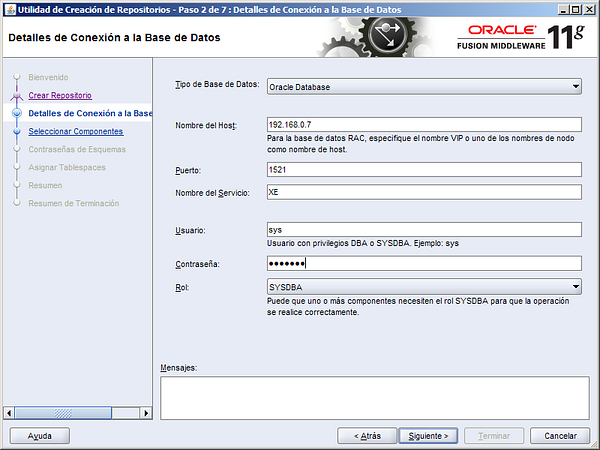
On this step we will create all the DB schemas needed to allocate all the SOA products.
Repository Creation Utility: ofm_rcu_win32_11.1.1.3.3_disk1_1of1.zip Unzip to C:\Oracle\rcuHome, and execute BIN\rcu.bat
image003.png105 KB
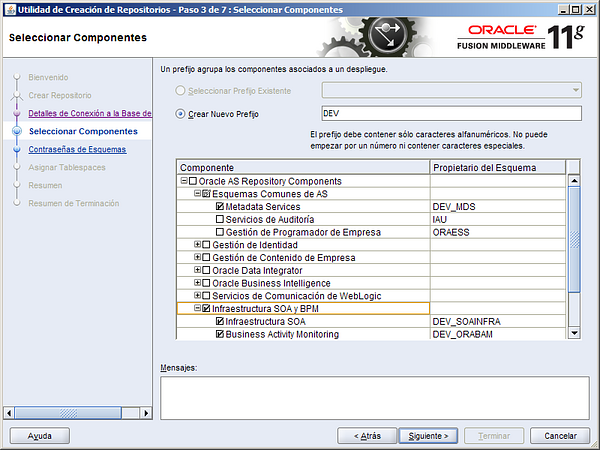
Ignore every incompatibility warning, and select SOA Infraestructura and BPM, it will add the dependent schemas:
image005.png139 KB
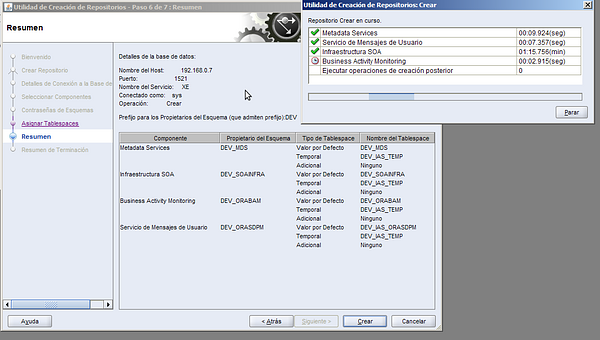
We will create the following schemas in your DB:
pantallazo-1.png103 KB
I put as schema passwords welcome1
SOA Suite
This is a very easy step (next-next installation).
SOA Suite 11.1.1.2.0: ofm_soa_generic_11.1.1.2.0_disk1_1of1.zip
On the Disk1 directory, execute: setup -jreLoc C:\Oracle\Middleware\jdk160_18
Install it on C:\Oracle\Middleware\Oracle_SOA1
SOA Suite patches 11.1.1.3.0: ofm_soa_generic_11.1.1.3.0_disk1_1of1.zip.
On the Disk1 directory execute: setup -jreLoc C:\Oracle\Middleware\jdk160_18
Creating a Weblogic domain for SOA
Execute C:\Oracle\Middleware\Oracle_SOA1\common\bin\config.cmd
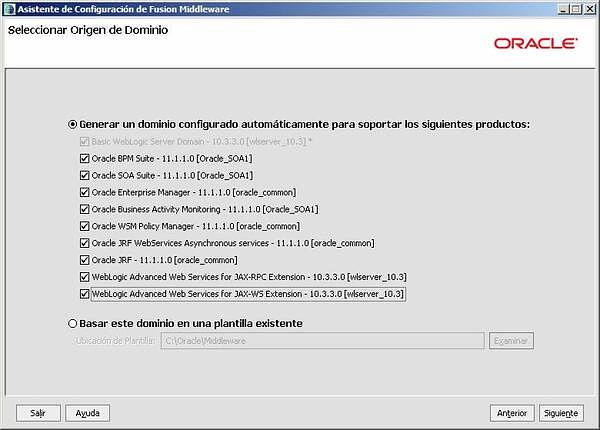
Create a ne Weblogic domain with all SOA products:
image008.jpg29.5 KB
The domain name will be: domain1, and the admin password: welcome1
Select JVM: Sun SDK 1.6.0_18 @ C:\Oracle\Middleware\jdk160_18
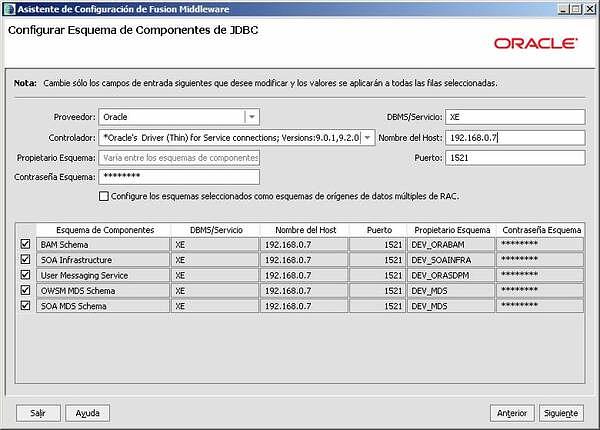
Create the DB conecction to the schemas created with RCU:
image010.jpg38.2 KB
Terminate the creation without optional config.
SOA Extension for JDeveloper
In JDeveloper Help > Check for Updates > Search Update Centers > Oracle Fusion Middleware Products must be checked. Check the following products:
Oracle BPM Studio
Oracle SOA Composite Editor
Management consoles
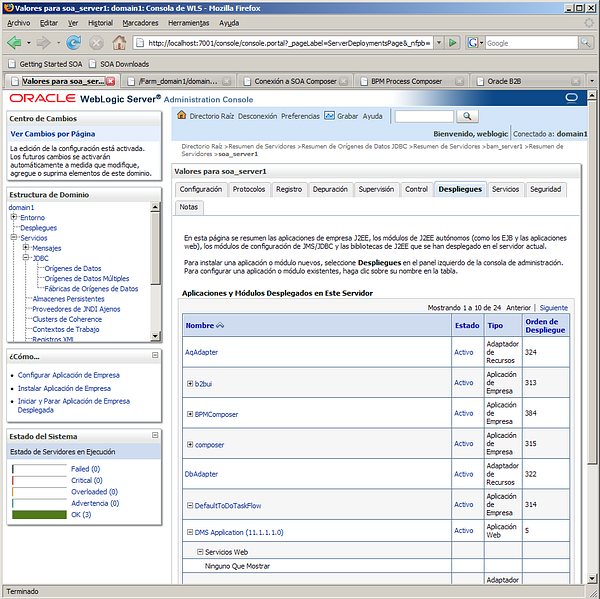
Weblogic administration console:
image011.png222 KB
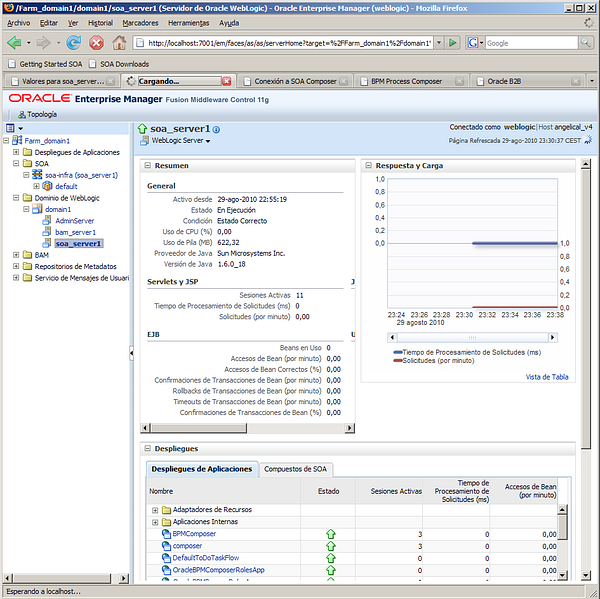
Enterprise manager:
image013.png200 KB
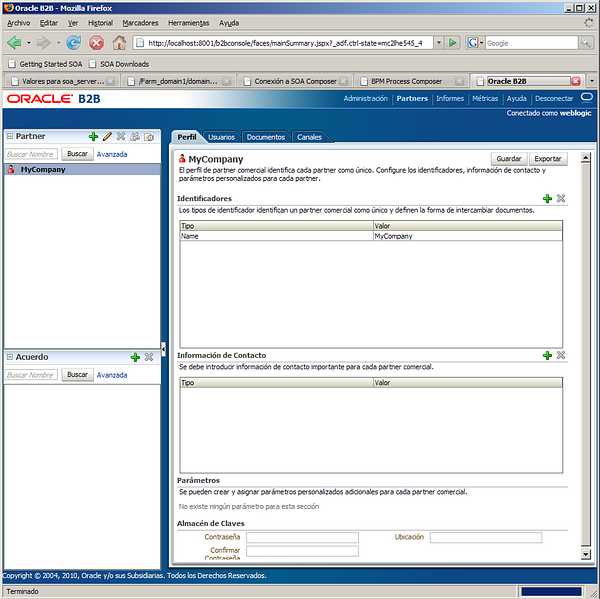
B2B console:
image015.png139 KB
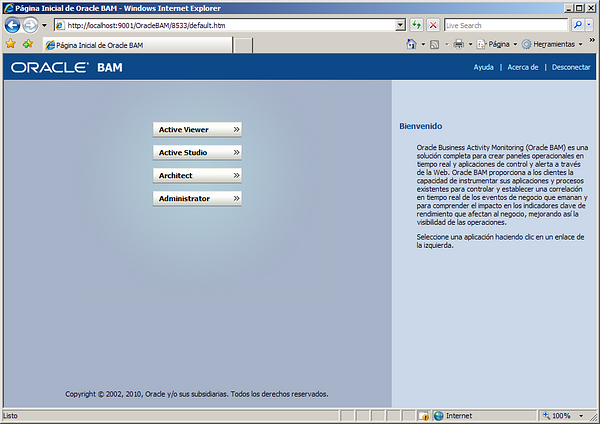
Business Activity Monitor (BAM) only through IE:
image017.png128 KB
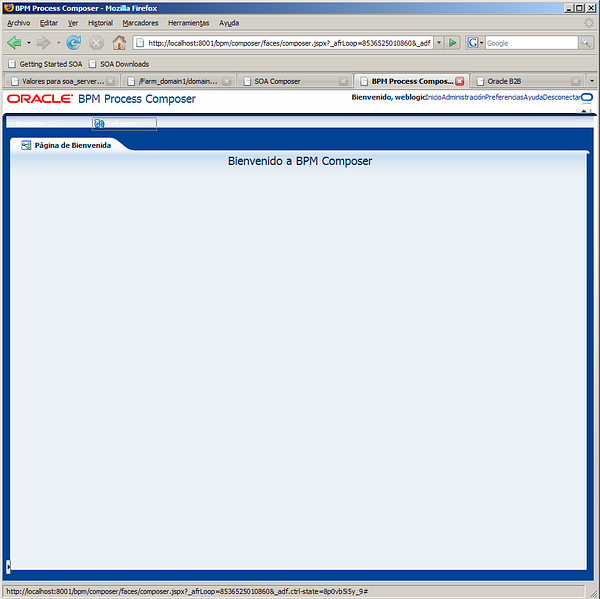
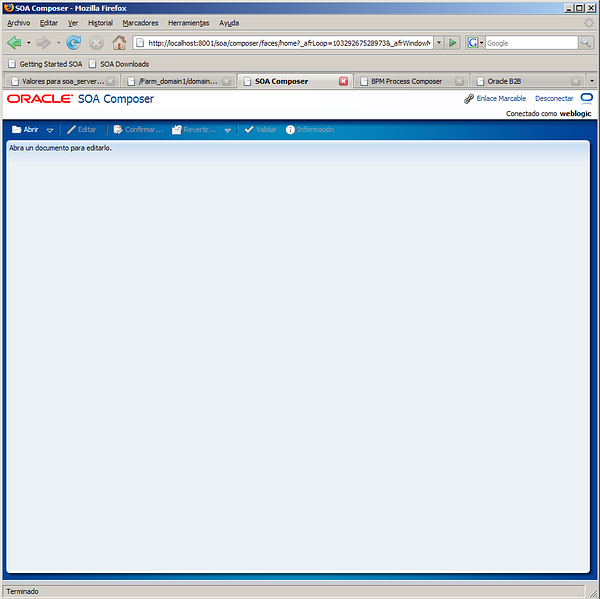
Soa/composer and bpm/composer:
image021.png75.1 KBimage019.png67.2 KB