Apart from the good planning in object orientation. Flash havs this Script language which effort the applications.
In the future we will do a series of posts analyzing its posibilities. Nowadays show you how we can iniciate the use of this.
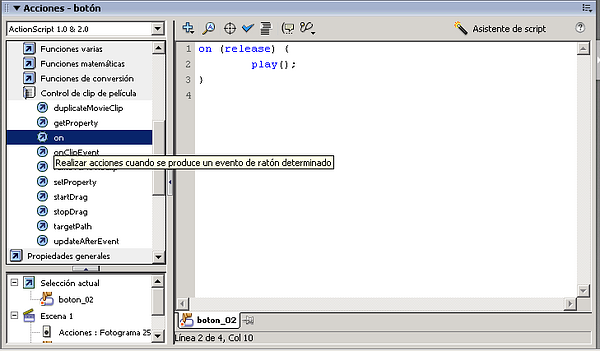
To see the actions of an object (for example a button) we have the Actions palette. Windows --> Actions:
image047.png87.2 KB
In the figure:
At left we have:
Up: libraries with all functions of ActionScript
Down: all the objects in the file containing ActionScript code
At right have the script which we are programming.
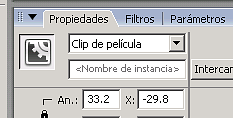
Warning: to action it, we must make a movie clip:
image039.png2.5 KB
Although better is, to order correctly, create a movie clip and group all good.
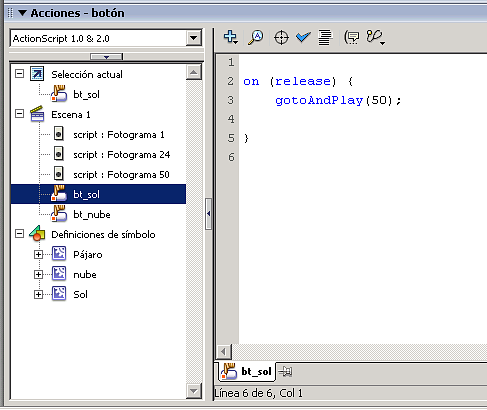
To see the objects which have ActionScript, we have in Actions palette a window:
image041.png14 KB
To see the ActionScript options we can see the following example (source):
With the buttons down-left we can do:
Sun: Jump to the 50th frame in the scene.
Cloud: Reboot the scene
Drag & Drop: Go to anothe scene which contains a template of the Flash common libraries.