Following with groping levels in flash. Now we are going to talk about the libraries that can formed in the files.
The libraries are, in my opinion, a strong feature. Here we can see the software quality, this absolutely Objects Oriented, due to the oriented of itself programming.
Libraries
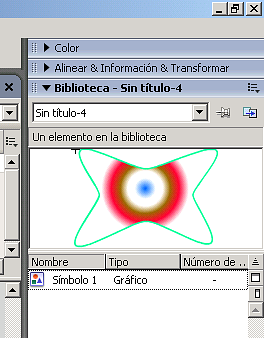
Access to Library pallette from: Windows menu --> Libraries.
You could add a symbol dragging it to the palette. The most important advantage is: remake the symbol tree 80 times to draw a wood, only saving the positions, to save less bytes.
image017.png17.9 KB
You could create directories to group several symbols (right mouse button). Grouping examples in the following file (source):
Scenes
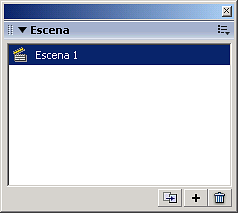
The escenes are the acts in a theatre work, independents in time, but reusing the actors. We have the scenes palette in: Windows --> Other Pannels --> Scene
image053.png2.53 KB
In this palette we can: duplicate, create and delete scenes.