Quick basic introduction to Ethereum Development
Jul 20, 22 by Juan Lebrijo about blockchain, Ethereum, blogYou need to install Metamask as an extension in your Chrome browser. After that, create a wallet address and change to Ropsten Test Network.
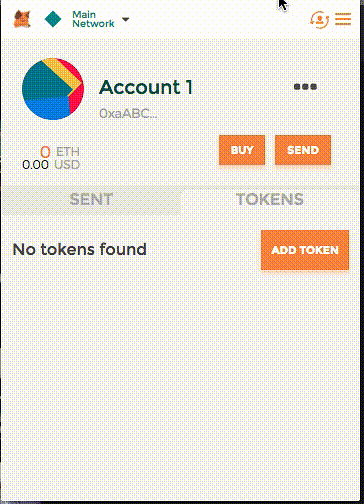
Now go to buy ETH and get it from a Test faucet. Then you can play with it by creating another account and sending ETH between them.
Here the big thing is the TRANSACTION SIGNATURE, how knows the Network that you are really the owner of this transaction? Because of Asymmetric signature, you will sign the transaction with your Private Key, so the node knows you are, because it decrypt with your Public Key. Metamask do all of it for you, also saves your private key.
Now you have ETH to test your wallet, you will code with SOLIDITY.
- It is a language based on JavaScript designed to target Ethereum Virtual Machine (EVM).
- Statically typed, supports inheritance, libraries and complex user-defined types. And compiled in Bytecode.
- You can create SMART CONTRACTS with it.
- You can find whole guide to this language at https://docs.soliditylang.org/
- You can use Remix as web editor in your browser, or Truffle installed locally.
- In order to test your contracts you have several options:
- Injected Web3: testing over Ropsten Network directly.
- JavascriptVM: more agile, but it is a Network simulation.
- Web3 Provider: which mounts an ETH Blockchain in your Laptop, from Genesis Block. Ganache, which belongs to TruffleSuite, can do it really clean.
Enjoy your learning!!